
.svg)





Go Autonomous and Microsoft Dynamics
Dynamics manages your operations. Go Autonomous executes the orders and quotes that arrive before Dynamics ever sees them.








Dynamics Runs Operations. Not Order Intake.
Dynamics Runs Operations. Not Order Intake.
Where Dynamics 365 Ends and Manual Handling Begins
Dynamics holds every rule. Inbound orders still need a human.
Dynamics 365 Finance and Operations and Business Central manage your pricing, inventory, and business rules with depth. But orders and quotes that arrive by email, PDF, or portal still require someone to read, interpret, and re-enter them into Dynamics.
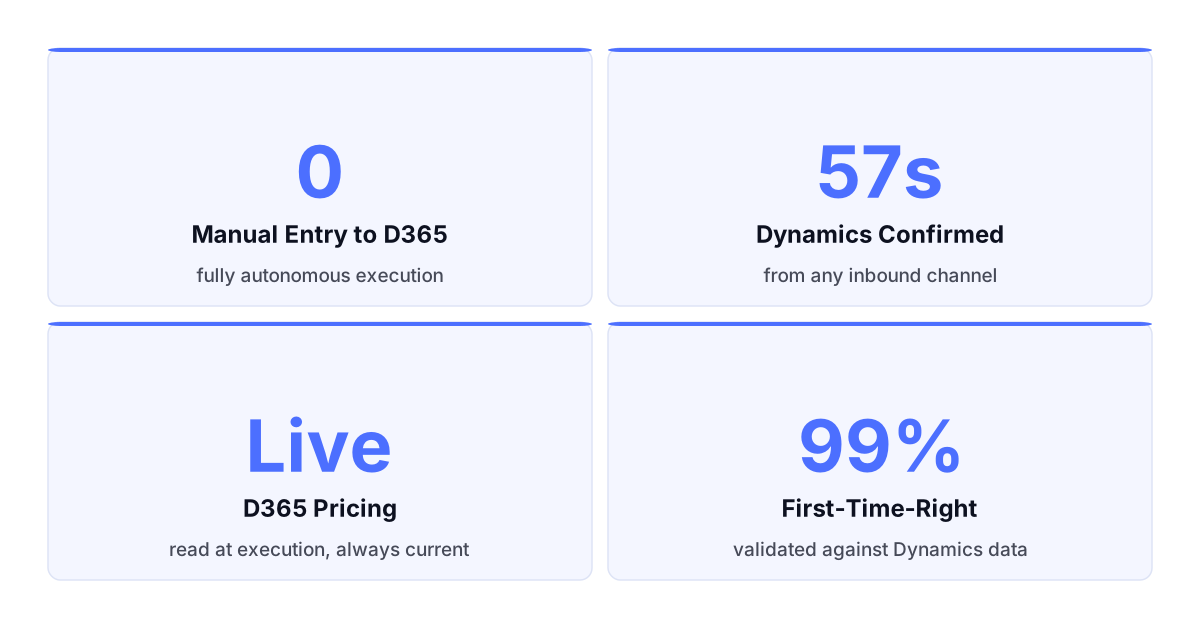
Dynamics runs your back office. Your inbox still runs on manual effort.
What Dynamics 365 Does Not Handle at Intake.
What Dynamics 365 Does Not Handle at Intake.
The Inbound Gap No Dynamics Module Closes
Dynamics confirms transactions. It does not capture unstructured orders.
Dynamics 365 was built for what happens after a transaction is confirmed. The path from an emailed PDF to a validated Dynamics order record has always required a human. That manual step introduces entry errors, processing delays, and unnecessary capacity cost.
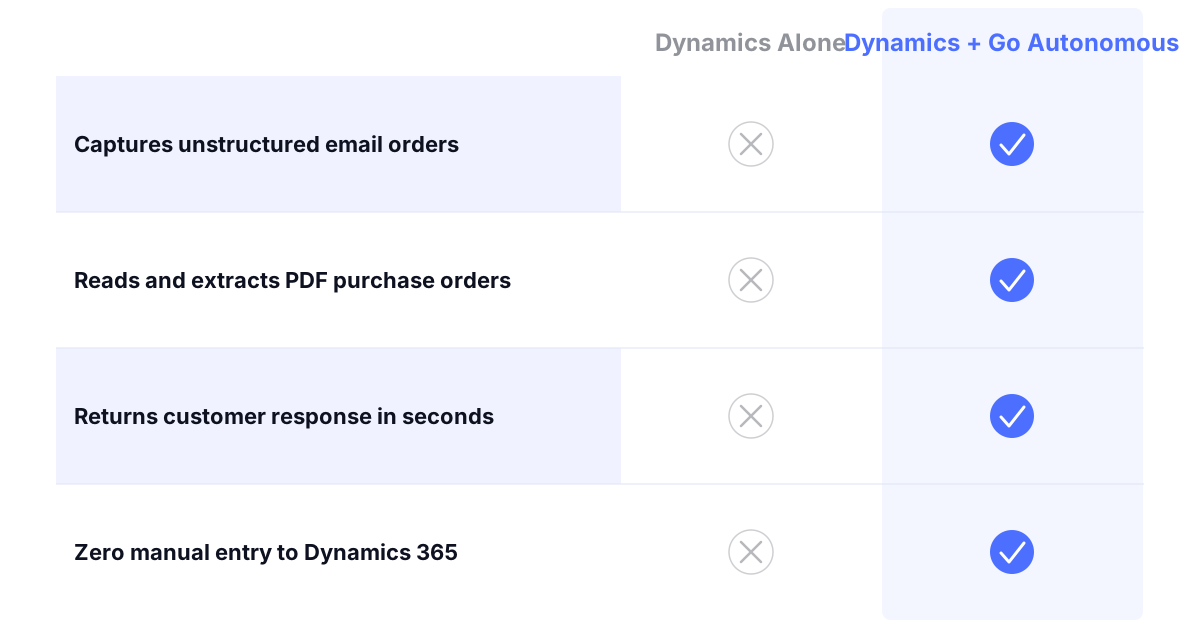
Dynamics and Go Autonomous. Execution Numbers.
Dynamics and Go Autonomous. Execution Numbers.
From email receipt to Dynamics order confirmation
First-time-right on Dynamics-validated transactions
Capacity freed from manual order entry and validation
More order throughput per customer service team member
From Incoming Order to Dynamics. No Gap.
From Incoming Order to Dynamics. No Gap.
What Go Autonomous Reads From and Writes to Dynamics
Every order validated against Dynamics and executed automatically.
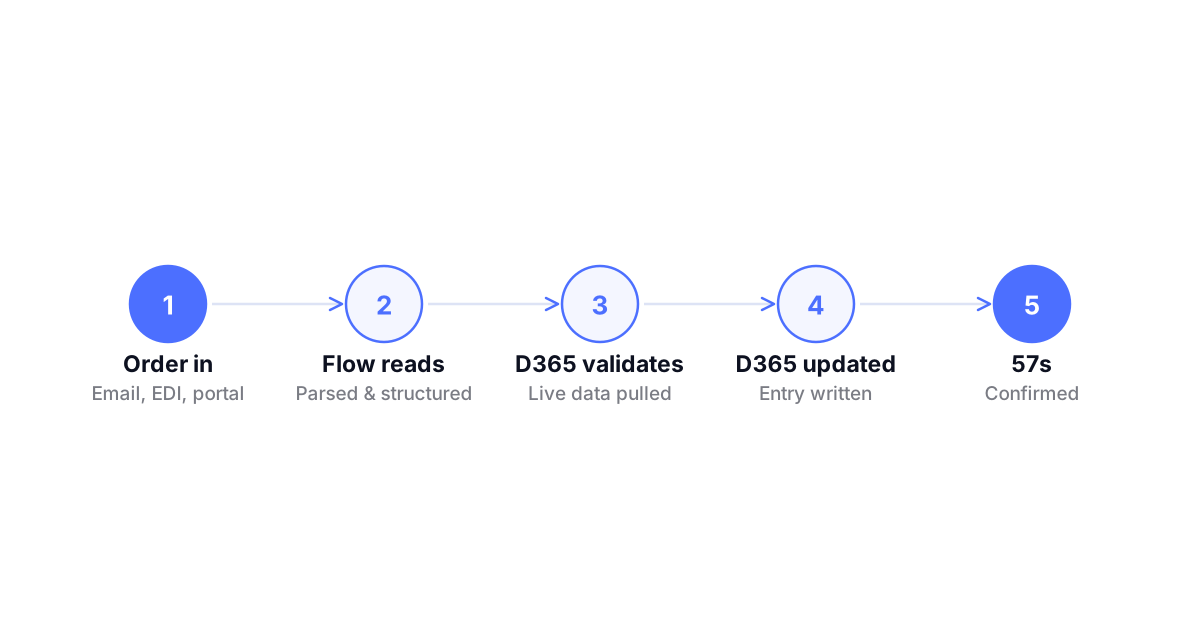
Go Autonomous connects to Dynamics 365 through Flow, reads pricing, product master, and inventory rules in real time, processes the incoming order or quote, and writes the confirmed transaction back to Dynamics without a manual entry step or data migration.
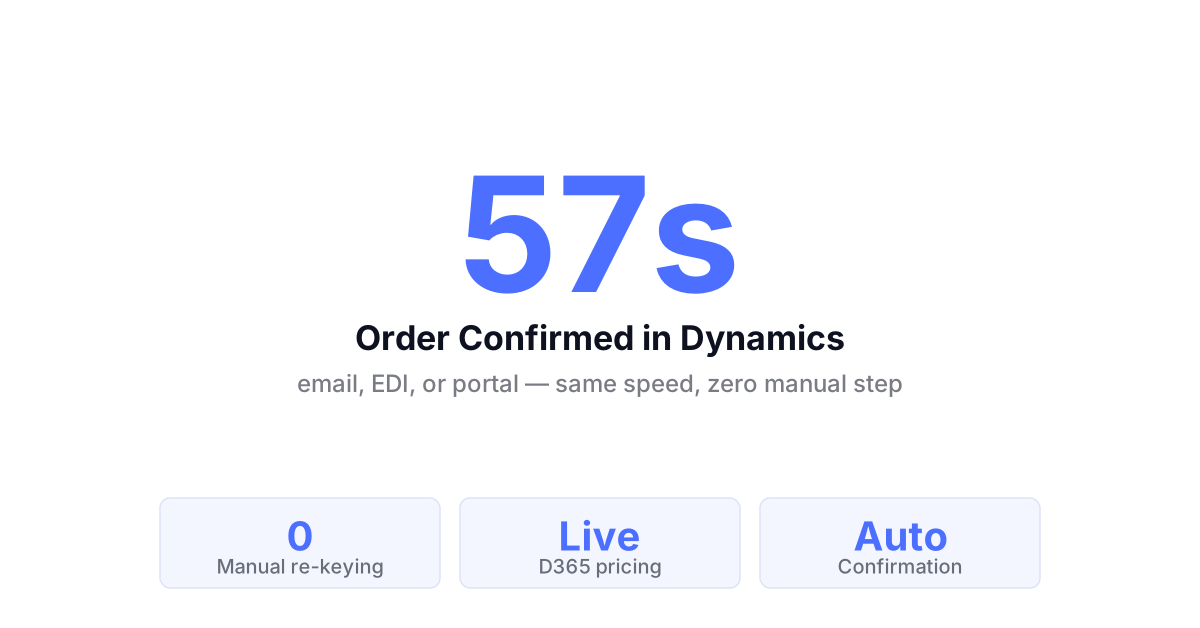
Orders in Dynamics. No Entry Step Required.
Orders in Dynamics. No Entry Step Required.
Autonomous Order Execution to Dynamics 365
Go Autonomous reads incoming orders from email, EDI, and portal, validates each against Dynamics pricing and product data in real time, and submits the confirmed order to Dynamics automatically. Zero re-keying. Zero entry errors. No human bridge.
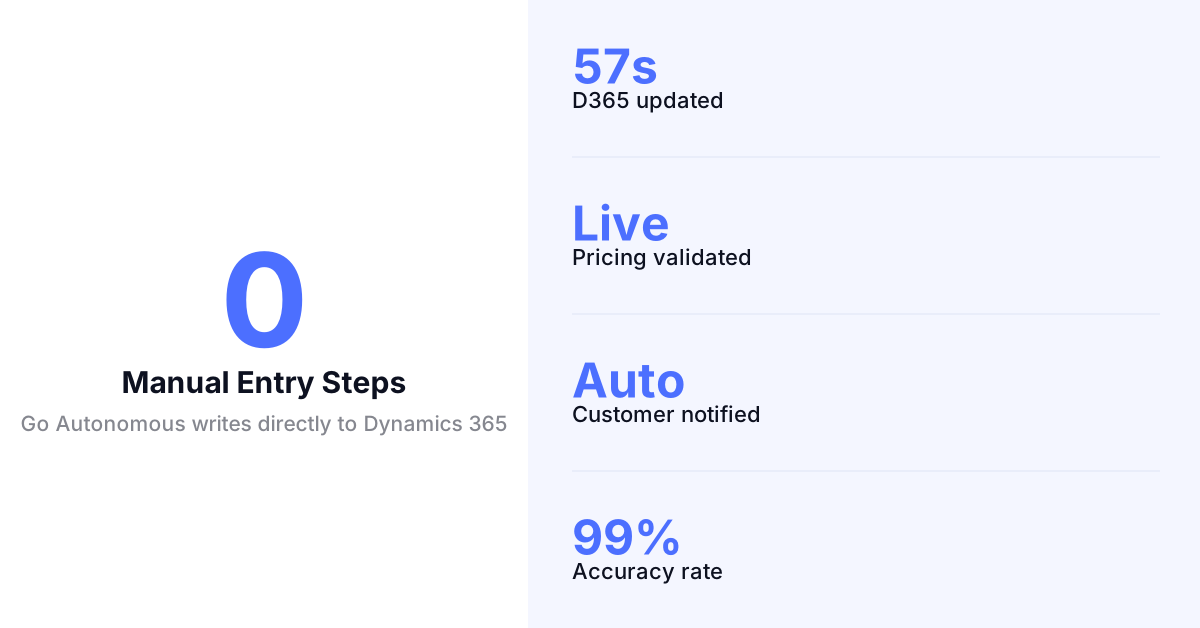
What a Dynamics Execution Layer Delivers.
Dynamics always sees a confirmed transaction.
No raw order data entering Dynamics. Every order validated against your Dynamics rules before it lands in the system.
Dynamics pricing applied at the moment of execution.
No rate lookup. No manual check. Live Dynamics pricing used on every quote and order automatically.
All channels write to one Dynamics environment.
Email, EDI, portal. One execution layer. One Dynamics destination. One source of truth for all confirmed orders.
Exceptions with full Dynamics context. No re-querying.
When escalations reach your team, the Dynamics record is already attached. They resolve from context, not from opening Dynamics to find it.
This is not a Dynamics connector. It is execution.
Dynamics connectors move data between systems. Autonomous Commerce reads every inbound request, validates it against your Dynamics 365 environment, and executes the confirmed transaction without a human bridging the inbox to the ERP.

Dynamics connectors move data between systems. Autonomous Commerce reads every inbound request, validates it against your Dynamics 365 environment, and executes the confirmed transaction without a human bridging the inbox to the ERP.
Quotes Returned With Dynamics Pricing. Fast.
Quotes Returned With Dynamics Pricing. Fast.
Autonomous Quote Execution Against Dynamics Data
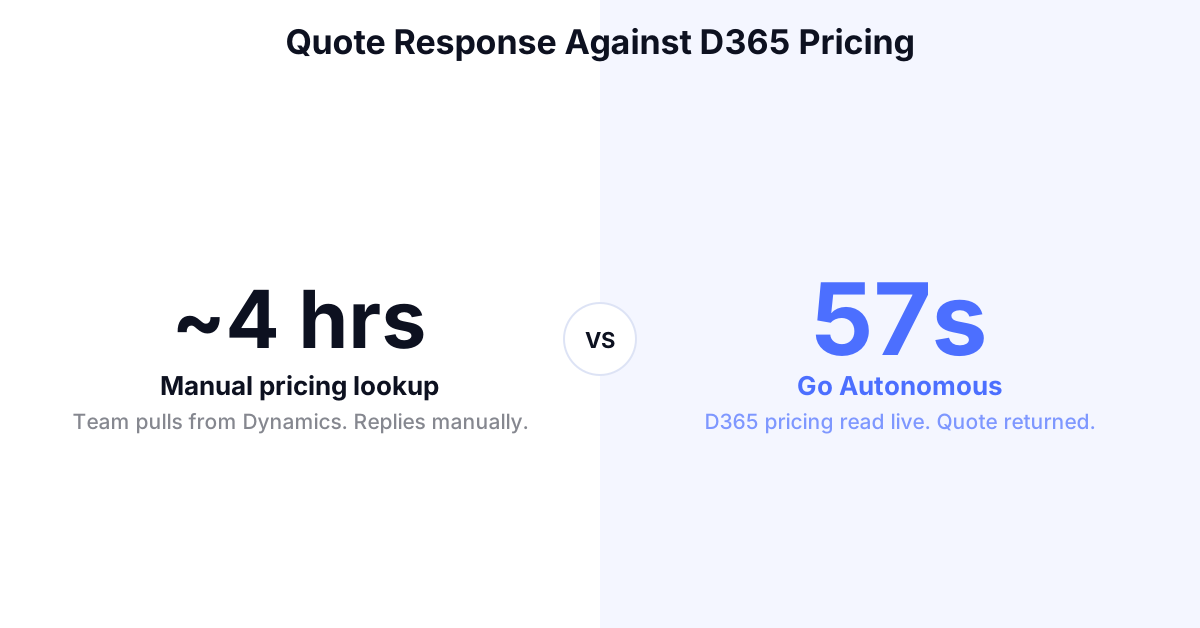
Go Autonomous reads incoming RFQs, pulls live pricing and inventory from Dynamics 365 in real time, and returns accurate quotes automatically. Customer-specific agreements applied without any manual rate lookup or additional approval step.
Blanket Releases Validated Against Dynamics.
Blanket Releases Validated Against Dynamics.
Autonomous Call-Off Execution via Dynamics 365
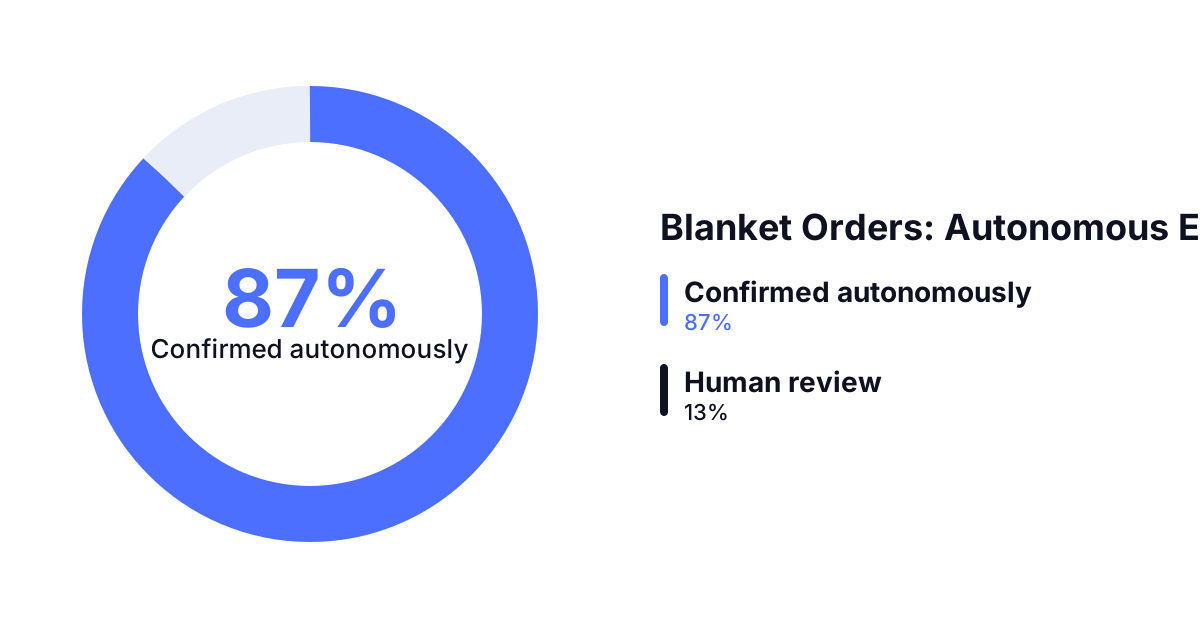
Incoming blanket order releases are read, validated against agreement terms held in Dynamics, and confirmed automatically when within tolerance. Deviations outside configured tolerance are escalated with the Dynamics record and original order attached.
The Layer That Connects Dynamics to Your Inbox.
The Layer That Connects Dynamics to Your Inbox.
Flow Reads From and Writes to Dynamics in Real Time
Flow connects every inbound channel to your Dynamics 365 environment. Pricing and product data read at execution time. Confirmed orders written back without a separate entry step. Every channel unified. One Dynamics instance kept current.
Results From the Field.
Danfoss — Autonomous order execution deployed across 26 countries simultaneously, with orders confirmed in under one minute across all markets. Read the press release
Nilfisk — Scaled order volume across multiple European markets without growing the customer service team processing incoming requests. Read the press release
IFM Electronic — Moved the majority of order revenue to autonomous execution within two months of deployment. Read the story
Autonomous Commerce Product Suite
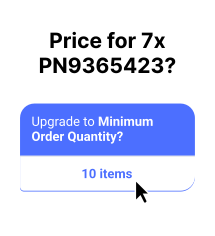
Workstation Where your team handles exceptions, reviews complex quotes, and manages edge cases. Full context on every escalation. No chasing information.
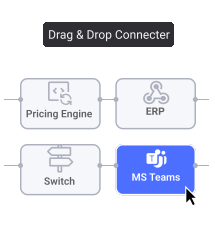
Flow Where every inbound channel connects to your ERP. Email, EDI, portal unified into one execution layer from the moment a request arrives.
Pulse Where performance is tracked in real time. Every transaction monitored, every exception flagged before it becomes a customer problem.
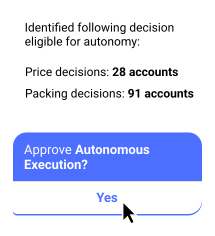
Decision Analytics Where patterns become decisions. Pricing gaps, capacity constraints, and demand signals surfaced automatically before you ask for them.
Common Questions
Does Go Autonomous replace Dynamics 365?
No. Dynamics 365 remains your system of record. Go Autonomous operates as the execution layer for inbound commerce, reading pricing, product, and customer data from Dynamics and writing confirmed transactions back automatically without bypassing any Dynamics processes.
Which Dynamics 365 products does Go Autonomous work with?
Go Autonomous connects to Dynamics 365 Finance and Operations and Dynamics 365 Business Central through the Flow integration layer. Both environments are supported using standard Dynamics APIs without requiring custom development inside your Dynamics instance.
How does Go Autonomous connect to Dynamics 365?
The connection is established through Flow using standard Dynamics 365 APIs. Go Autonomous reads master data, pricing, and inventory from Dynamics at execution time and writes confirmed orders back. No custom Dynamics modules or modifications are required.
What order types can Go Autonomous execute via Dynamics?
Go Autonomous handles standard orders, RFQs, blanket order releases, order amendments, and repeat orders through Dynamics. Complex configured products that require human judgment are escalated to your team with the Dynamics record attached.
How long does Dynamics 365 integration take?
Go Autonomous connects to Dynamics 365 through standard APIs and does not require custom development. Implementation timeline depends on your Dynamics configuration and the scope of order types in scope. Most deployments reach live execution within weeks.
Voice of the Customers



Explore what autonomous execution means for your operations.
Talk to an expert or see Go Autonomous in action.

Talk to an expert or see Go Autonomous in action.