
.svg)





Go Autonomous and Salesforce
Salesforce captures the opportunity. Go Autonomous executes what comes next without anyone touching the order manually.








Salesforce Captures the Deal. Not the Order.
Salesforce Captures the Deal. Not the Order.
The Execution Gap Between Salesforce and Your ERP
Salesforce records the relationship. Someone still processes the order.
Salesforce tracks every customer interaction, opportunity, and relationship. But when the deal closes and an order or quote request arrives, the execution path is manual. Someone reads it, enters it, and bridges the gap to your ERP. That step is what Go Autonomous removes.
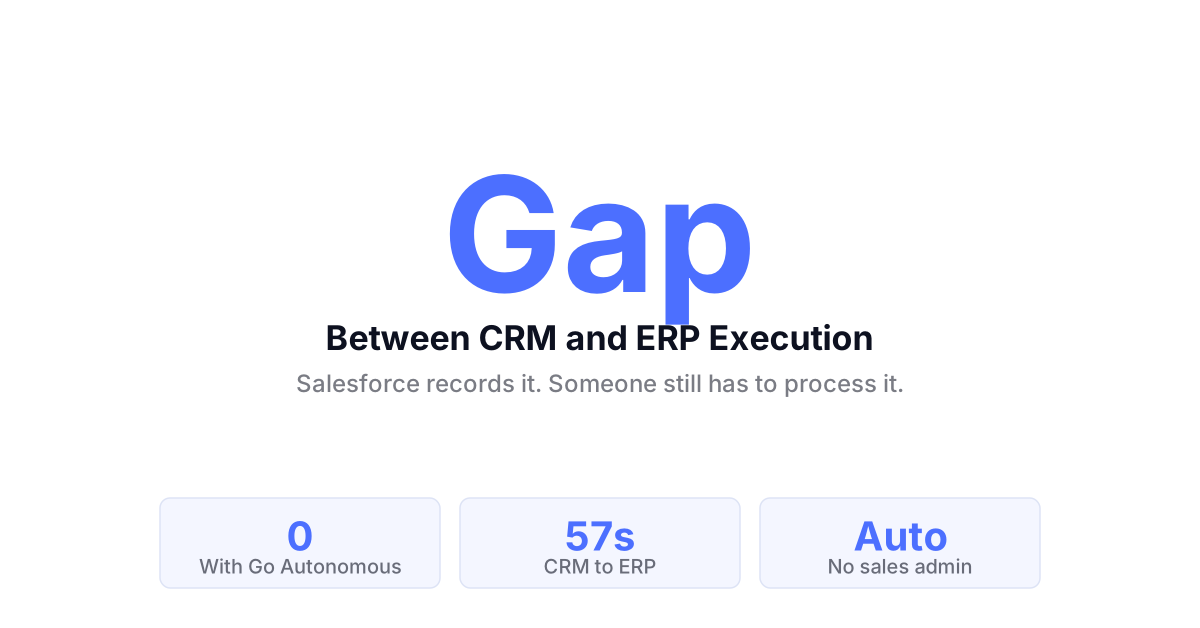
Salesforce knows the deal. Execution still needs a human.
The Gap Between CRM and Order Execution.
The Gap Between CRM and Order Execution.
Why Salesforce Alone Does Not Close the Commerce Loop
CRM records the intent. Execution still needs a person.
Salesforce knows which customer ordered, what they buy, and how they are priced. It does not execute the order against your ERP automatically. The step from Salesforce record to confirmed transaction has always required someone to bridge the two systems manually.
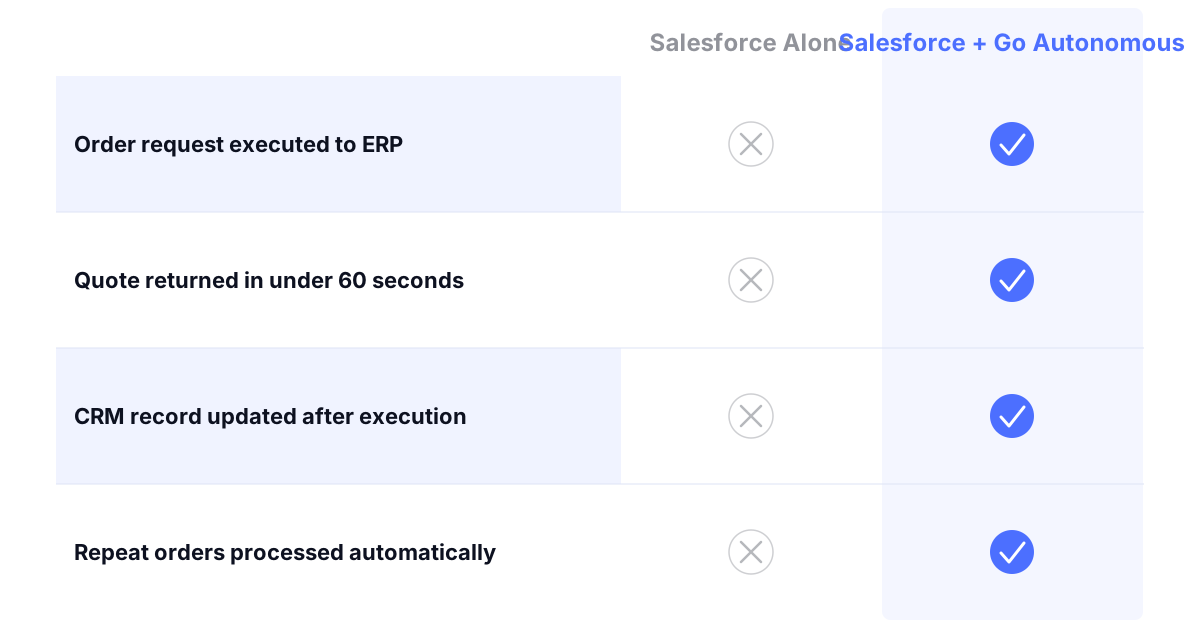
Salesforce and Go Autonomous. Commerce Executed.
Salesforce and Go Autonomous. Commerce Executed.
From Salesforce-triggered request to confirmed order
Win rate increase from faster quote response times
Less time spent on order entry for sales-supported accounts
First-time-right on all autonomously confirmed transactions
From Salesforce Record to ERP. Autonomously.
From Salesforce Record to ERP. Autonomously.
How Go Autonomous Bridges Salesforce and Your ERP
Every Salesforce-triggered request executed without a manual step.
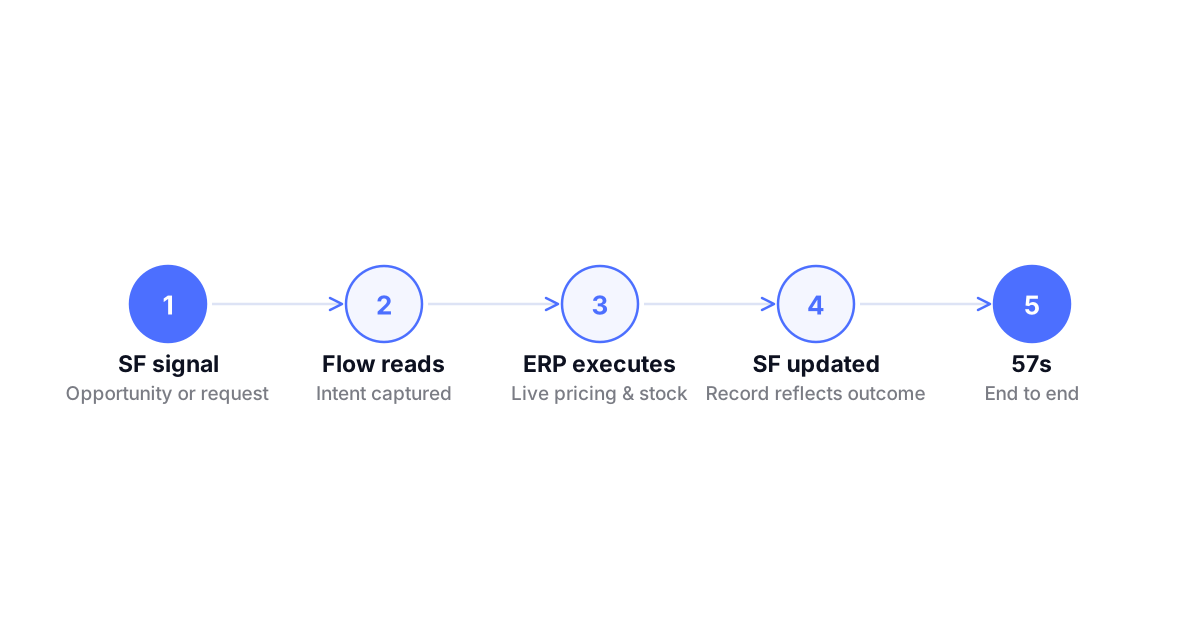
Go Autonomous reads order and quote requests from Salesforce interactions, pulls pricing and product data from your ERP in real time, executes the transaction, and writes the confirmed result back to Salesforce. No manual bridge between CRM and operations.
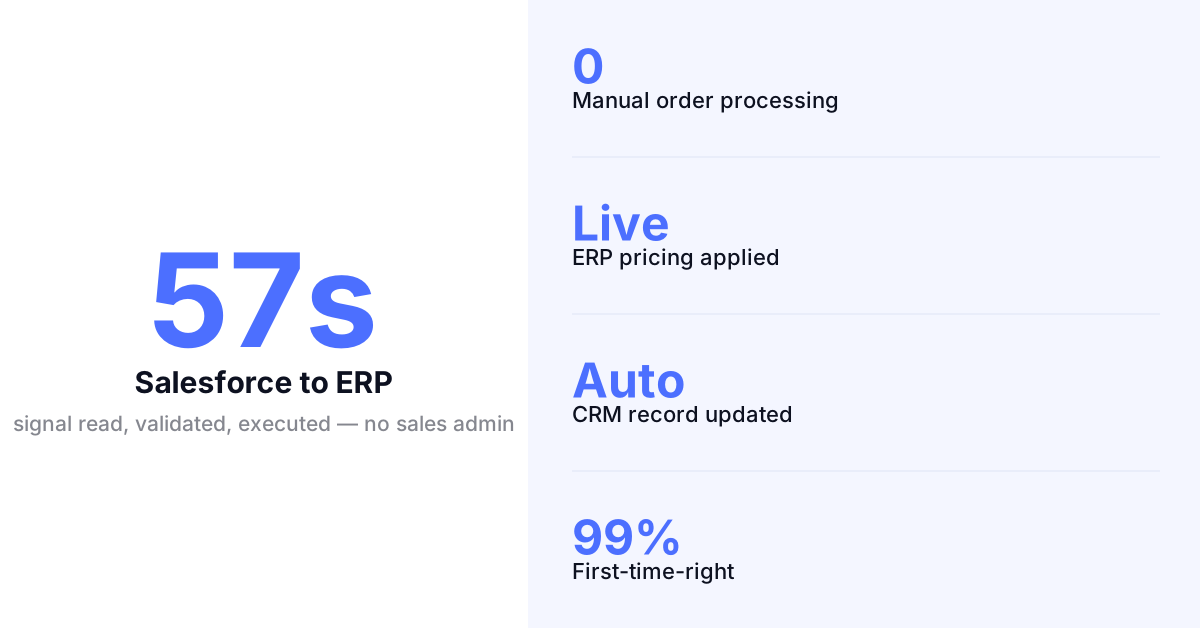
Salesforce Requests Quoted. No Manual Step.
Salesforce Requests Quoted. No Manual Step.
Autonomous Quote Execution From Salesforce Signals
When a Salesforce opportunity triggers a quote request, Go Autonomous reads the customer pricing agreement from your ERP, builds the accurate quote, and returns it automatically. No sales rep handoff to an order entry team. Quote out before the next follow-up call.
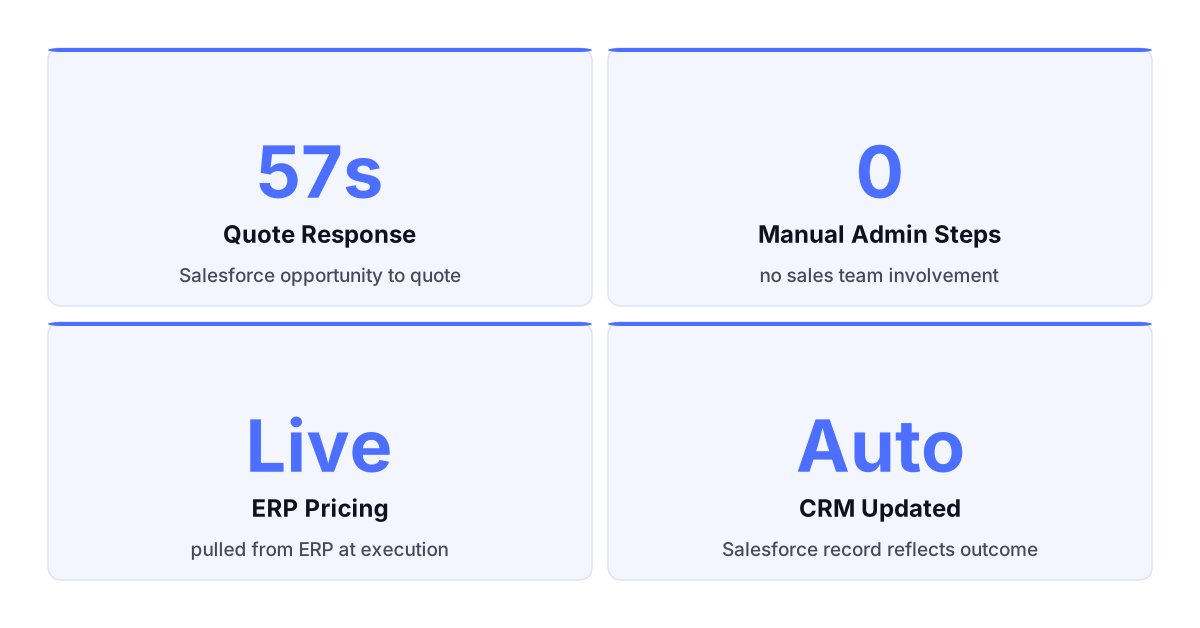
What Changes When Salesforce Has an Execution Layer.
Quote responses at sales speed.
Salesforce records the request. Go Autonomous executes it. The customer receives a quote before the rep opens a spreadsheet.
ERP pricing rules applied from the Salesforce record.
Customer pricing, product catalog, and delivery terms read from your ERP at execution time. No manual lookup needed.
Orders confirmed and written back to Salesforce automatically.
The execution result updates the Salesforce record without double entry. Salesforce stays accurate without manual synchronisation.
Sales team focuses on relationships. Not order admin.
Order entry removed from the sales process entirely. The team owns the relationship. The system owns the transaction.
This is not a Salesforce connector. It is execution.
Salesforce integrations sync records between CRM and ERP. Autonomous Commerce executes what arrives from your Salesforce interactions — orders and quotes handled without a human bridging the systems.

Salesforce integrations sync records between CRM and ERP. Autonomous Commerce executes what arrives from your Salesforce interactions — orders and quotes handled without a human bridging the systems.
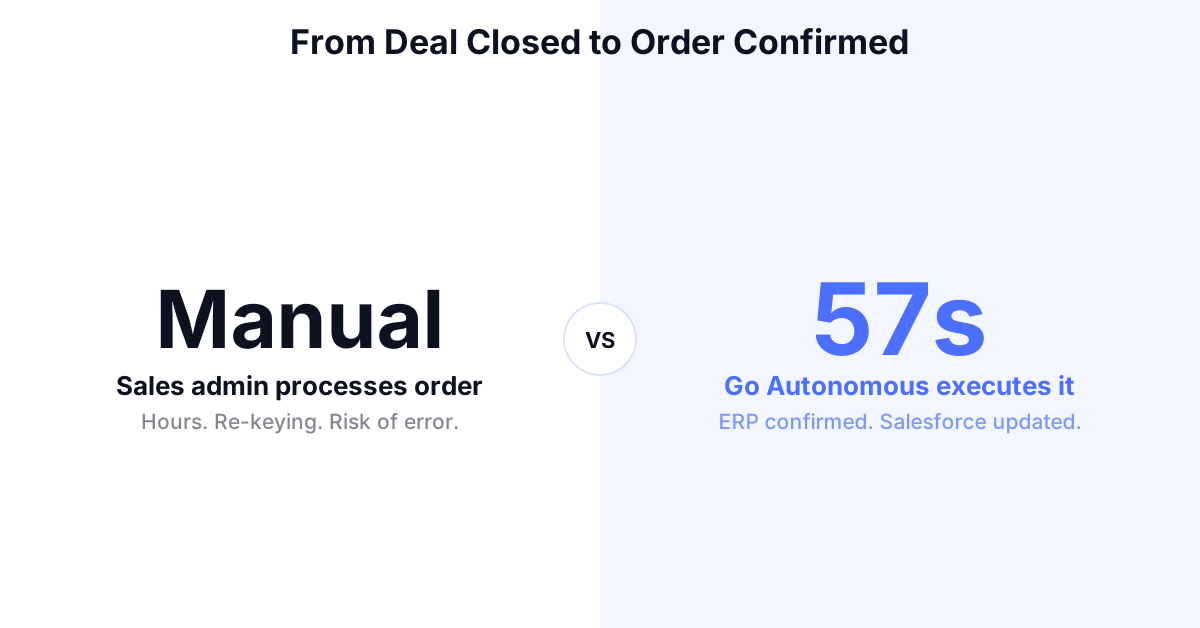
Orders Confirmed to ERP. Salesforce Updated.
Orders Confirmed to ERP. Salesforce Updated.
Autonomous Order Execution From Salesforce Deals
Closed deals and order requests in Salesforce trigger automatic execution against your ERP. Pricing, product, and delivery terms validated in real time, the order confirmed, and the Salesforce record updated without a separate entry step.
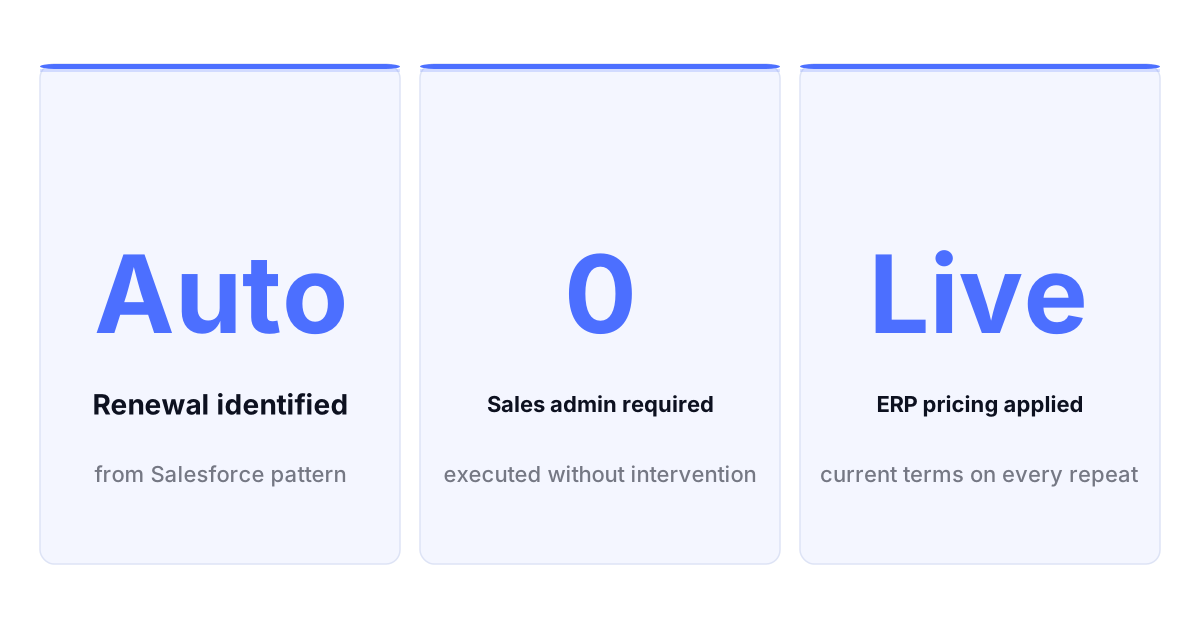
Repeat Orders Executed. Without Sales Admin.
Repeat Orders Executed. Without Sales Admin.
Autonomous Renewal and Repeat Order Execution
Go Autonomous identifies recurring order patterns from Salesforce records, processes renewals and repeat orders against your ERP rules automatically, and confirms them without team involvement. Predictable accounts run without consuming sales or operations capacity.
The Execution Layer Alongside Salesforce.
The Execution Layer Alongside Salesforce.
Go Autonomous Runs Between Salesforce and Your ERP
Go Autonomous reads signals from Salesforce, executes the transaction against your ERP using live pricing and product data, and writes the confirmed result back. Salesforce remains the relationship layer. Go Autonomous owns the execution.
Results From the Field.
Danfoss — Autonomous order execution deployed across 26 countries simultaneously, with orders confirmed in under one minute across all markets. Read the press release
Nilfisk — Scaled order volume across multiple European markets without growing the customer service team processing incoming requests. Read the press release
IFM Electronic — Moved the majority of order revenue to autonomous execution within two months of deployment. Read the story
Autonomous Commerce Product Suite
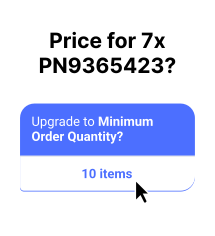
Workstation Where your team handles exceptions, reviews complex quotes, and manages edge cases. Full context on every escalation. No chasing information.
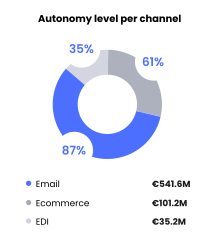
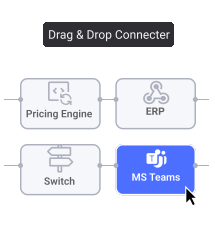
Flow Where every inbound channel connects to your ERP. Email, EDI, portal unified into one execution layer from the moment a request arrives.
Pulse Where performance is tracked in real time. Every transaction monitored, every exception flagged before it becomes a customer problem.
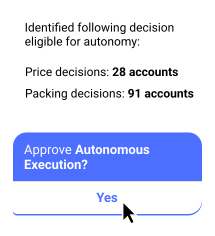
Decision Analytics Where patterns become decisions. Pricing gaps, capacity constraints, and demand signals surfaced automatically before you ask for them.
Common Questions
Does Go Autonomous replace Salesforce?
No. Salesforce remains your CRM and system of record for customer relationships. Go Autonomous operates at the execution layer, reading signals from Salesforce interactions and executing orders and quotes against your ERP automatically. The two systems work together.
How does Go Autonomous connect to Salesforce?
Go Autonomous connects to Salesforce through standard APIs using the Flow integration layer. It reads customer data, opportunity context, and pricing from Salesforce, executes the transaction against your ERP, and writes the confirmed result back to the Salesforce record.
Can Go Autonomous trigger order execution from Salesforce opportunities?
Yes. When a Salesforce opportunity or customer interaction generates a quote or order request, Go Autonomous reads the request, pulls live pricing and product data from your ERP, executes the transaction, and writes the result back to the Salesforce record automatically.
How does order and quote data flow back to Salesforce after execution?
Confirmed order and quote data is written back to Salesforce through the integration layer automatically. The Salesforce record is updated without a separate entry step, keeping Salesforce as the accurate system of record for customer activity without requiring double entry.
Does Go Autonomous work alongside Salesforce CPQ?
Yes. Go Autonomous operates at the order execution layer for standard and repeat orders. Complex products requiring CPQ configuration continue through your existing Salesforce CPQ workflow. Go Autonomous handles the volume. CPQ handles the complexity.
Voice of the Customers



Explore what autonomous execution means for your operations.
Talk to an expert or see Go Autonomous in action.

Talk to an expert or see Go Autonomous in action.