
.svg)





Go Autonomous Works With Your Existing Systems
Your ERP, CRM, and email channels already hold your business rules. Go Autonomous adds the execution layer that connects inbound commerce to them.








Autonomous Commerce Connects to Your Stack.
Autonomous Commerce Connects to Your Stack.
How Go Autonomous Works With Your Existing Systems
Not a replacement. An execution layer on top.
Go Autonomous connects to your ERP, CRM, and communication channels. It reads your business rules from the systems you already run, executes every inbound order and quote autonomously, and writes confirmed results back. Nothing replaces. Everything connects.
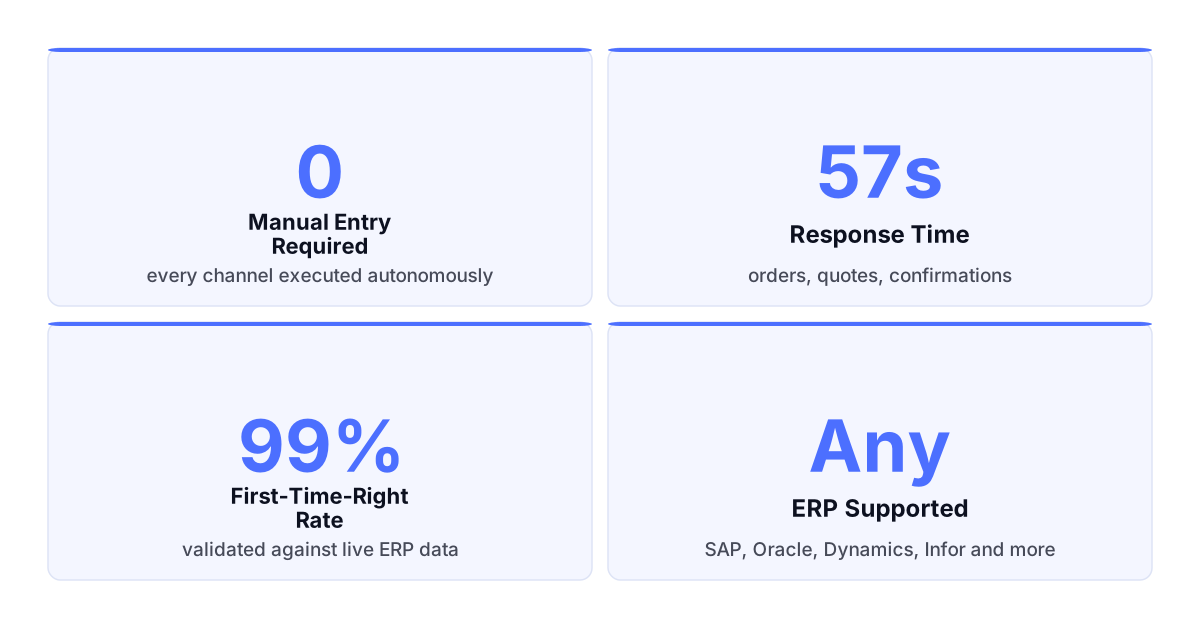
Your systems hold every rule. Execution is what is missing.
SAP. Orders Execute. No Re-Entry.
SAP. Orders Execute. No Re-Entry.
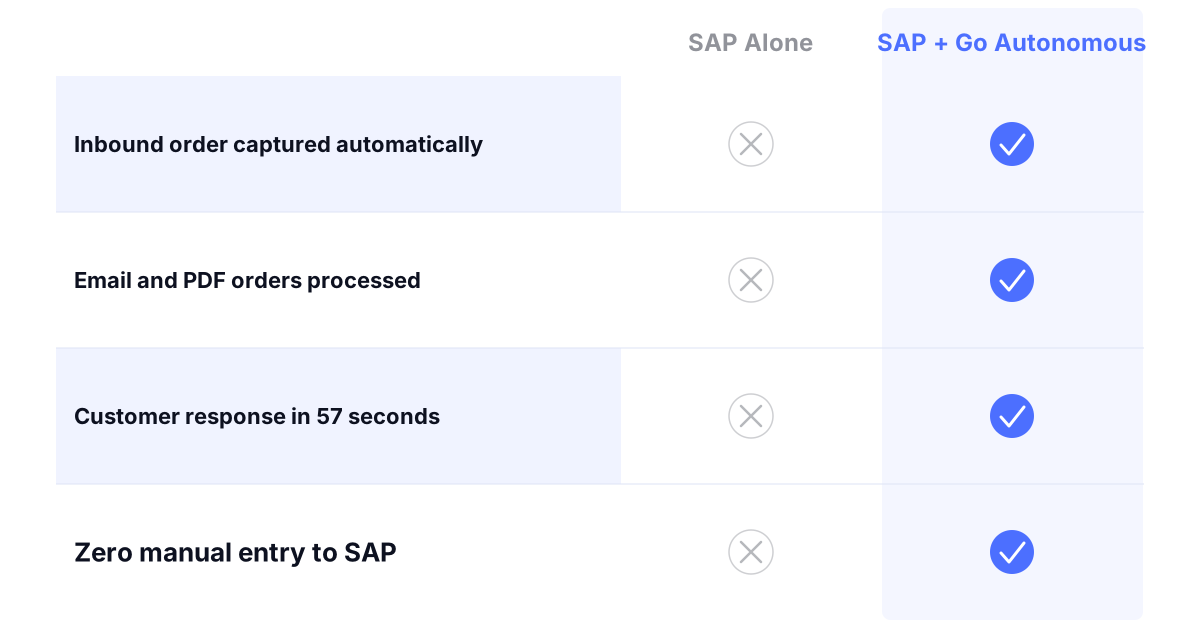
The execution layer SAP does not provide natively.
SAP manages your pricing, inventory, and customer data. Go Autonomous reads from SAP the moment an order arrives, validates and executes it automatically, and writes the confirmed transaction back. No manual bridge between your inbox and your ERP.
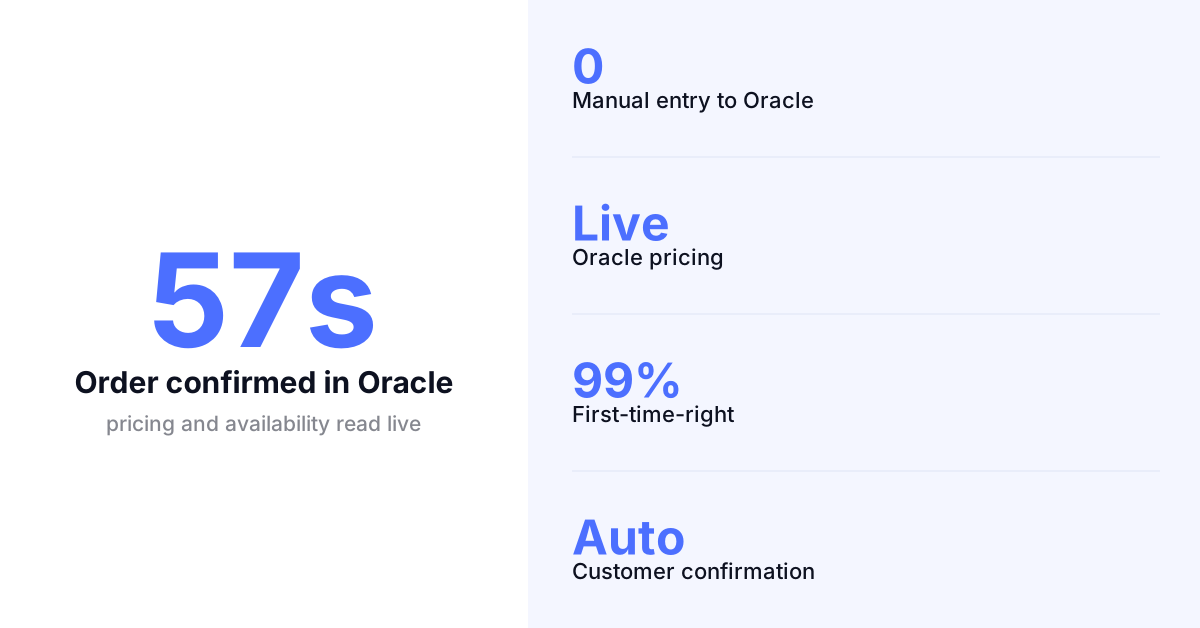
Oracle. Every Order Validated and Confirmed.
Oracle. Every Order Validated and Confirmed.
Oracle data. Autonomous execution. No gap between them.
Go Autonomous connects to Oracle Fusion, E-Business Suite, and NetSuite, reads live pricing and product data at the moment of execution, and writes confirmed orders back automatically. Your team handles exceptions. The system handles everything else.
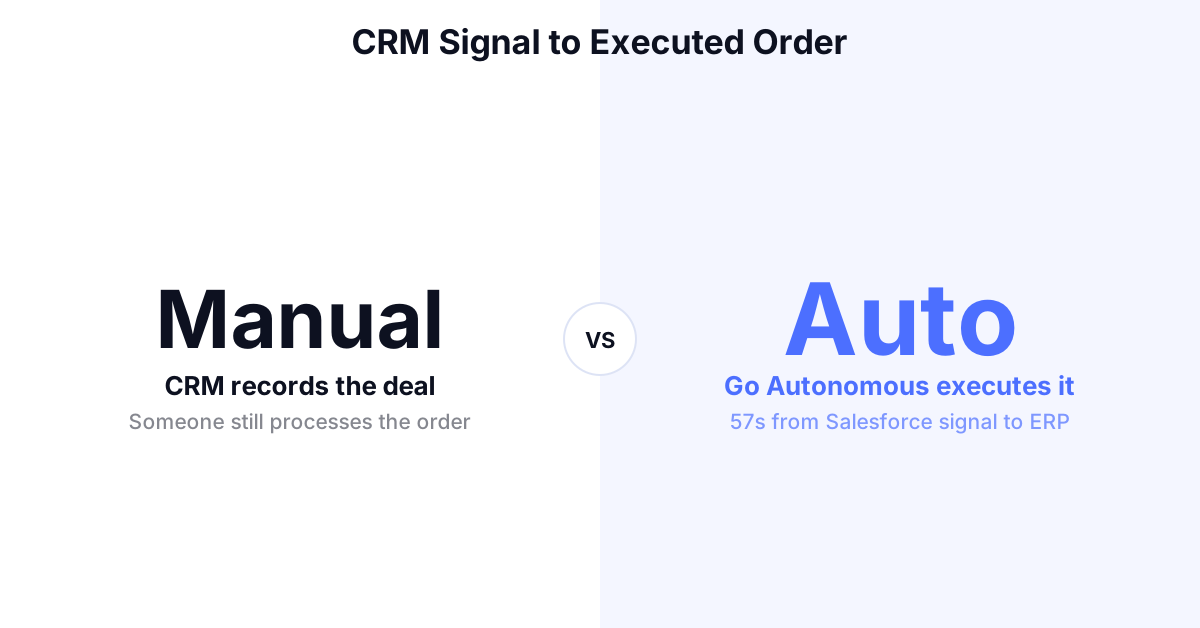
Salesforce. From CRM Signal to Executed Order.
Salesforce. From CRM Signal to Executed Order.
Salesforce records the deal. Go Autonomous executes it.
When a Salesforce opportunity or interaction generates a quote or order request, Go Autonomous reads the request, pulls pricing from your ERP, executes the transaction, and writes the result back to Salesforce. No manual handoff between CRM and operations.
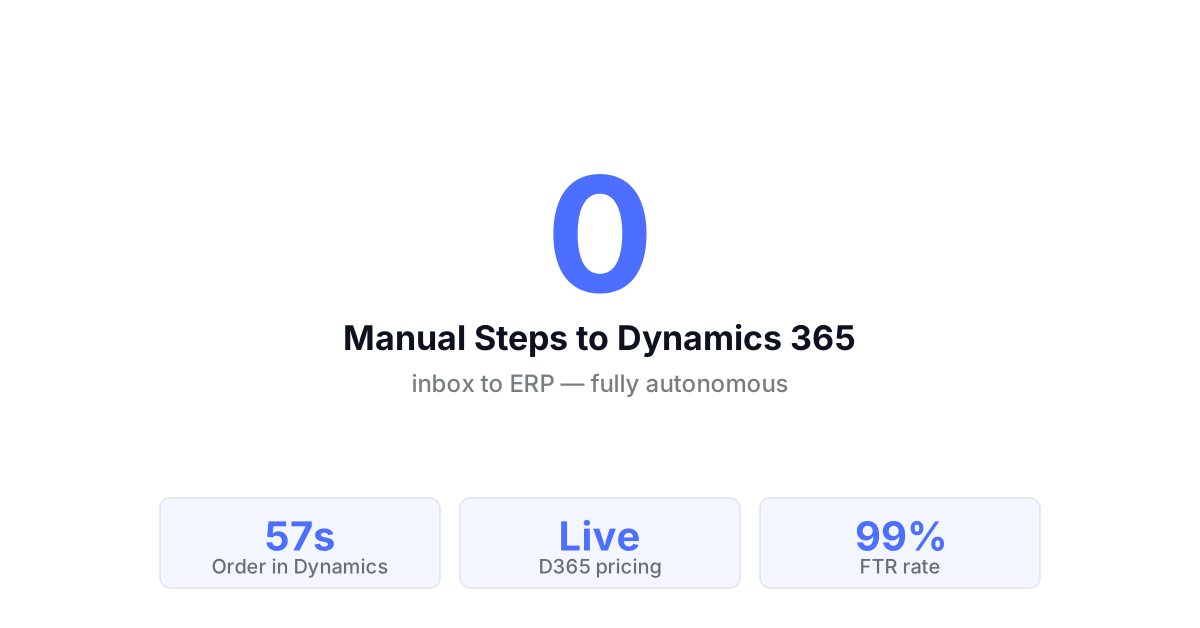
Microsoft Dynamics. Inbox to ERP Automatically.
Microsoft Dynamics. Inbox to ERP Automatically.
Dynamics manages your operations. Go Autonomous manages order intake.
Go Autonomous connects to Dynamics 365 Finance and Operations and Business Central, reads incoming orders from every channel, validates them against Dynamics data in real time, and writes confirmed transactions back without a separate entry step.
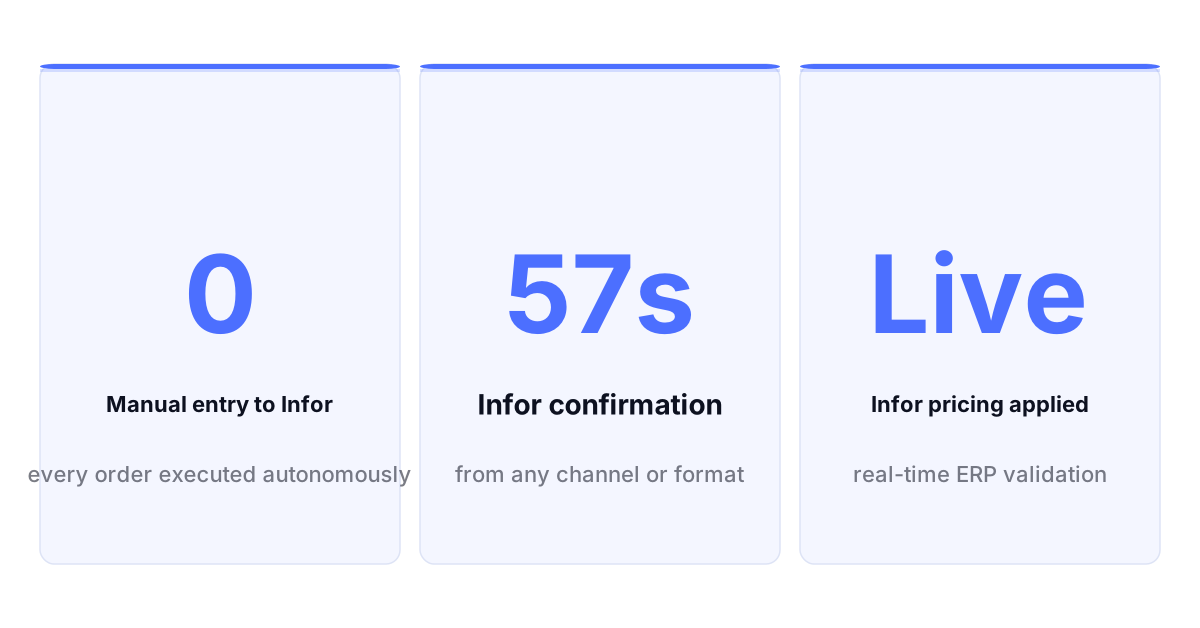
Infor. Orders In. ERP Updated. No Team Touch.
Infor. Orders In. ERP Updated. No Team Touch.
Infor holds your rules. Go Autonomous closes the intake gap.
Go Autonomous reads from Infor CloudSuite, M3, and LN in real time. Every inbound order validated against your Infor product master, pricing, and inventory. Confirmed transactions written back automatically. The manual layer between inbox and Infor removed.
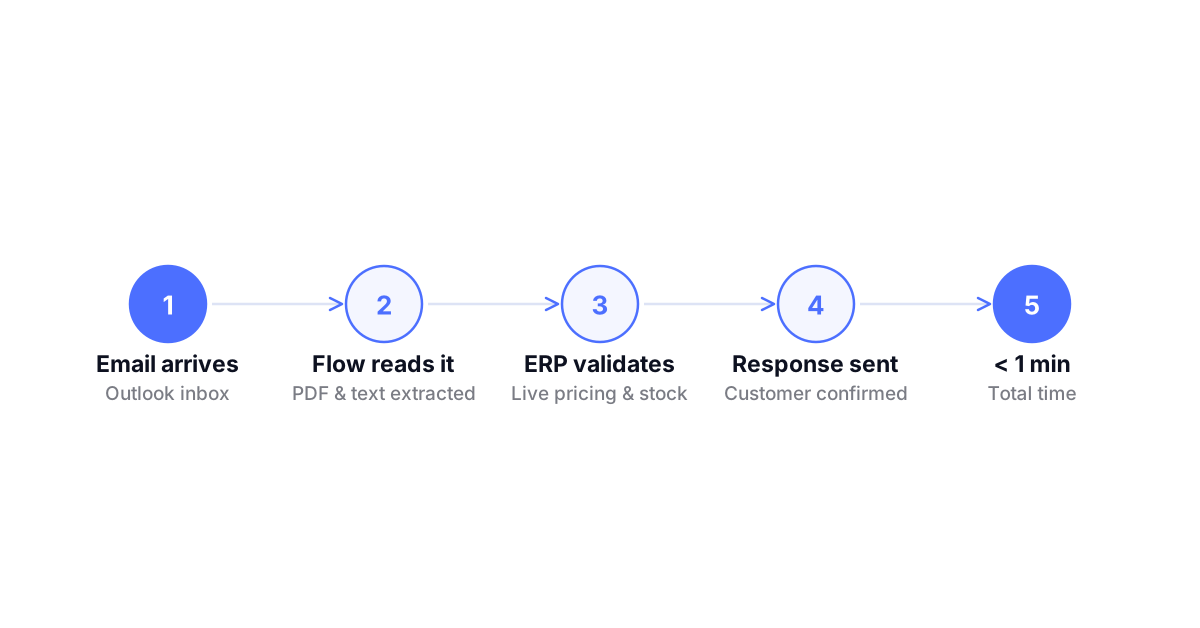
Outlook. Email Orders Executed Before Anyone Opens Them.
Outlook. Email Orders Executed Before Anyone Opens Them.
Half your B2B orders still arrive by email. Go Autonomous handles them.
Go Autonomous monitors your Outlook order inbox, reads incoming emails and PDF attachments, extracts order intent, validates against your ERP in real time, and executes the confirmed transaction automatically. Your team opens the inbox to find confirmations already sent.
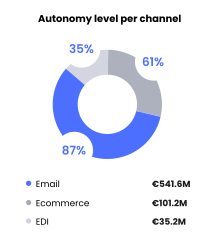
What Autonomous Execution Delivers Across Systems.
What Autonomous Execution Delivers Across Systems.
From inbound request to confirmed ERP response
Customer service capacity freed from manual order handling
First-time-right across all autonomously executed transactions
More order throughput per team member after deployment
Autonomous Commerce Product Suite
Workstation Where your team handles exceptions, reviews complex quotes, and manages edge cases. Full context on every escalation. No chasing information.
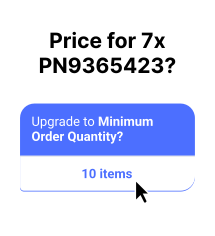
Flow Where every inbound channel connects to your ERP. Email, EDI, portal unified into one execution layer from the moment a request arrives.
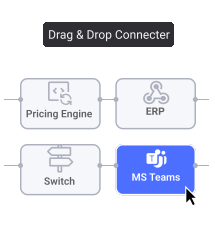
Pulse Where performance is tracked in real time. Every transaction monitored, every exception flagged before it becomes a customer problem.
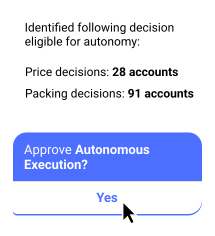
Decision Analytics Where patterns become decisions. Pricing gaps, capacity constraints, and demand signals surfaced automatically before you ask for them.
Voice of the Customers



Explore what autonomous execution means for your operations.
Talk to an expert or see Go Autonomous in action.

Talk to an expert or see Go Autonomous in action.