.svg)





Customer Base
Setting up SAP C4C Connector Guide

Step 1. Find SAP C4C Connector on My Go Autonomous Platform
Step 1. Find SAP C4C Connector on My Go Autonomous Platform
Open mygoautonomous.io platform and go to company settings.
Go to connectors and under “Add connection” find SAP C4C.
Click on SAP C4C Connector.

Step 2. Configure of SAP C4C Connector
Step 2. Configure of SAP C4C Connector
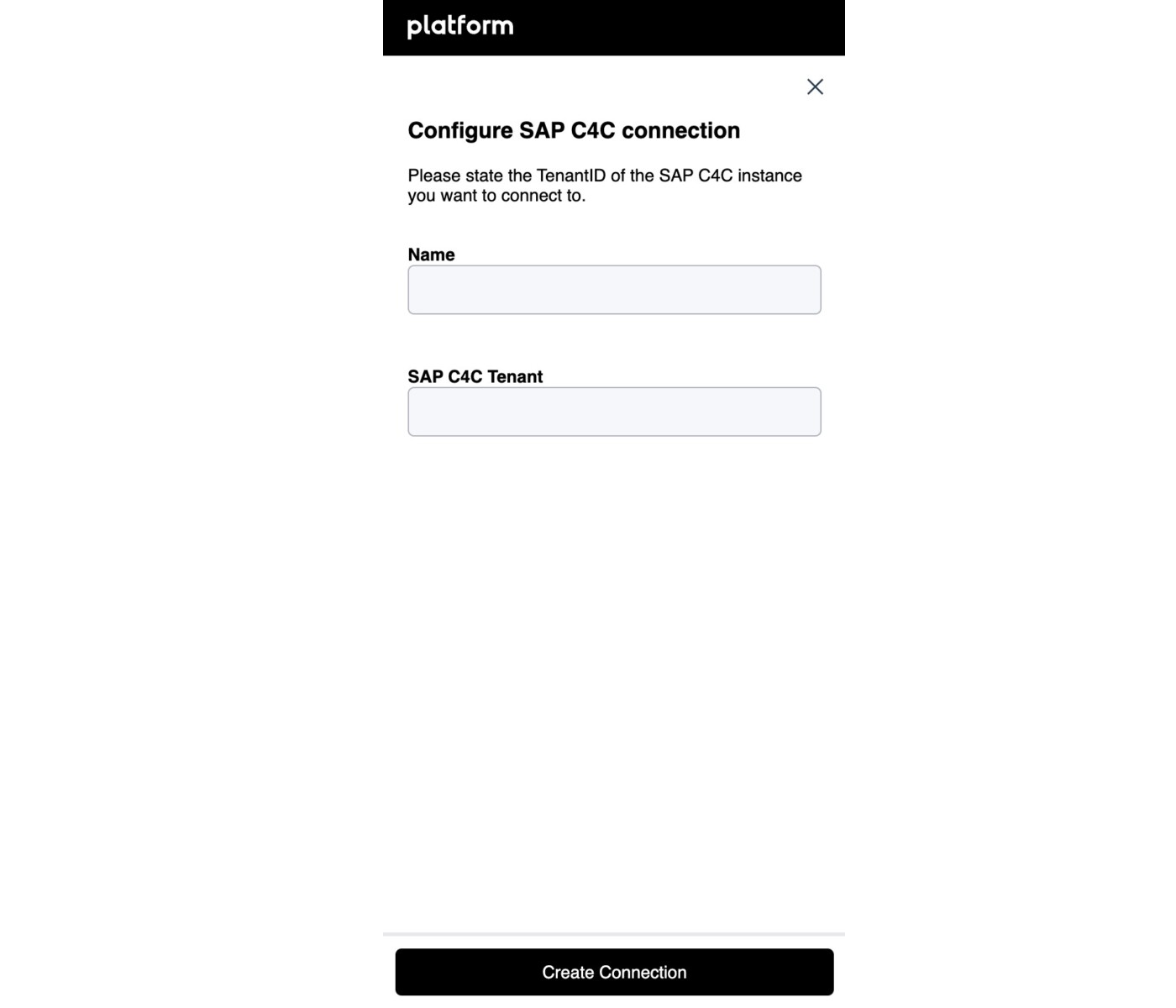
Fill in the following fields to configure SAP C4C Connector.
Put the name in the “Name” field yourself.
Follow the instructions on SAP Analytics Cloud Help website to find your SAP C4C Tenant ID.